
Buildings & property
Hot yoga & studio climate
Make every class easier to prepare for, with a clear view of studio conditions.
Plan your monitoring →
The application in practice
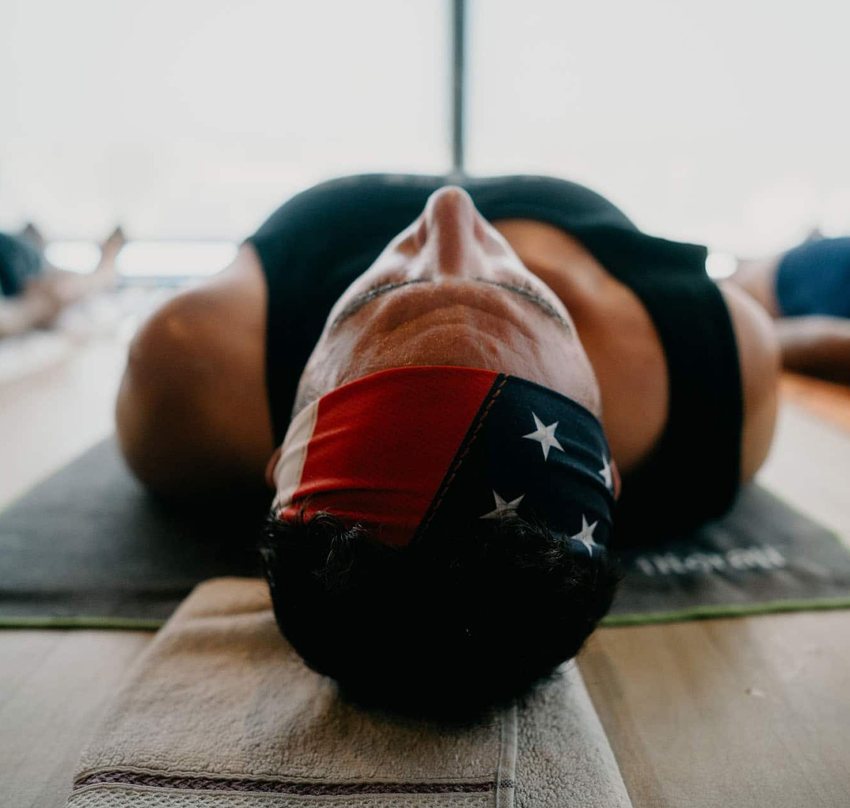
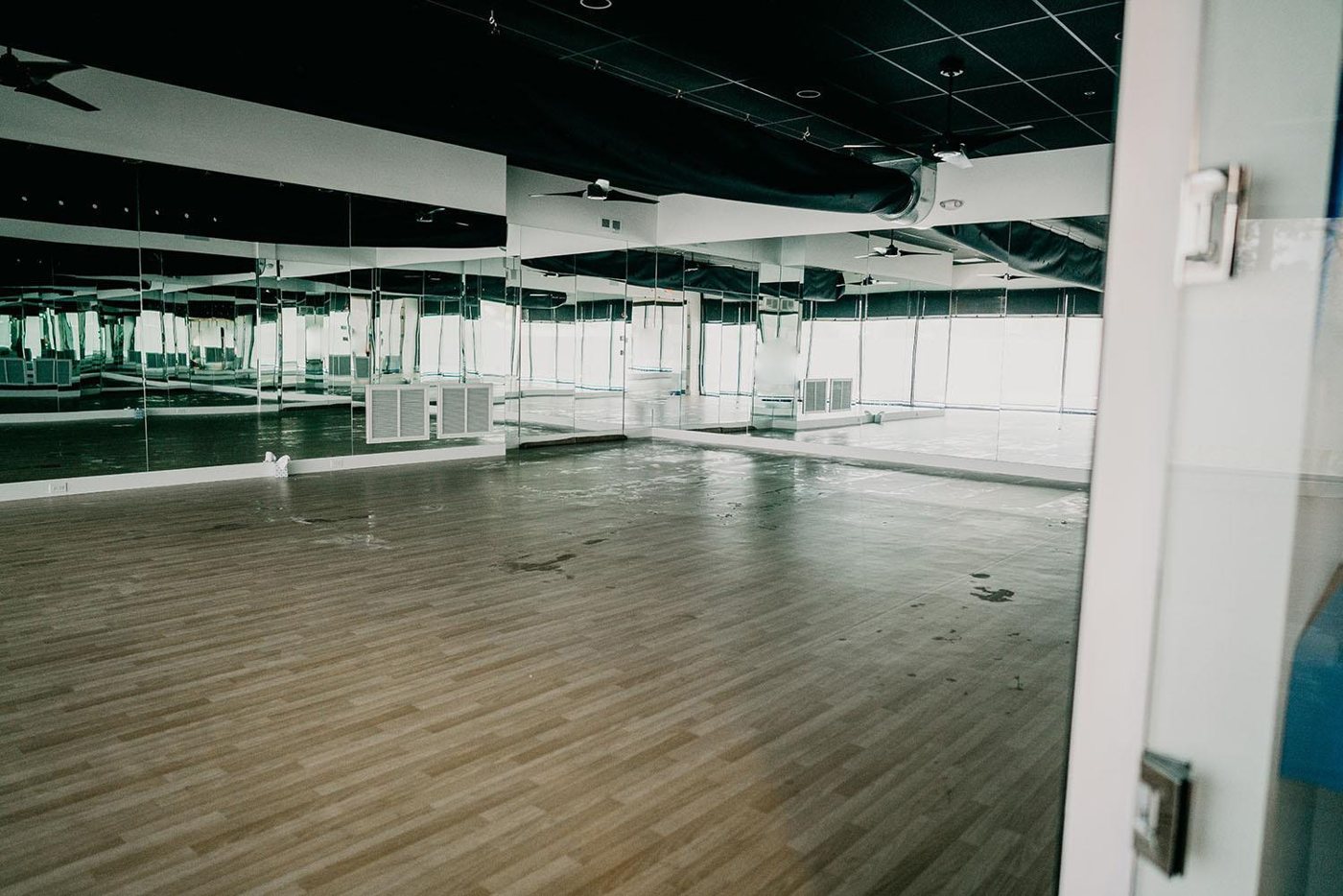
Class schedules and climate control at YogaSol
A closer look at the challenge, the monitoring approach and the outcome described in Monnit’s application guide.
The challenge
YogaSol needed different room conditions for hot yoga and pilates, plus ventilation and cleaning periods between classes. Staff also needed an easy way to request fresh air during a session.
The monitoring setup
AIMNET built a custom integration combining temperature, humidity, leak and button sensors with relay controls. Class schedules in Google Calendar informed heating and ventilation operation, while iMonnit provided monitoring and notifications.

The reported outcome
The case study reports less manual intervention and the ability to manage changing schedules remotely. The automation was designed and installed by a specialist partner; sensors alone do not provide a ready-made building-control system.
Case-study information and photography: Monnit. Reported results relate to the installation described; your project’s design and results will depend on its requirements.
A practical starting point
Measure. Understand. Act.
Where to start
Measure the occupied studio zone away from a direct heater jet. Add leak detection beside humidification equipment and compare readings before, during and after classes.
A change worth investigating
The room is outside the class's agreed temperature or humidity range as a session approaches.
Example scenario. Set limits and timing for your own site.Turn the alert into action
Ask staff to check the HVAC settings and ventilation. Compare recovery between classes and after cleaning.
Build your system
Measurements to consider
Use these as a shortlist. The right model depends on the range, environment, installation and accuracy you need.
Temperature
Follow heating, cooling and storage conditions over time. Match the probe range and calibration to your application.
Explore sensors →Humidity
Track relative humidity and compare changes with room conditions, occupancy or ventilation.
Explore sensors →Water Puck
Check for pooling water at a selected low point near vulnerable equipment.
Explore sensors →Button
Let a staff member trigger a configured notification or an engineered integration.
Explore sensors →Plan for the real environment
Before you start
What matters for this application
Automatic fan or heater control needs an engineered integration, manual override and appropriate safeguards. Monitoring alone does not provide climate control.
How do the sensors connect?
ALTA sensors need a compatible gateway, internet connection and monitoring software. Suitable Wi-Fi models connect through a compatible Wi-Fi network. Confirm radio frequency, coverage and power arrangements at the actual installation points before choosing equipment.
Explore gateways →How quickly will an alert arrive?
Timing depends on sensor settings, reporting intervals, connectivity and notification rules. Email, SMS and voice options vary by service and plan. Test a controlled event, check that the nominated person receives it and confirm what happens if a device stops reporting.
Understand software and alerts →What should we prepare for a pilot?
Bring a site plan, the equipment or spaces to monitor, expected conditions, required accuracy and the names of the people who respond. Agree a trial period and a review date. Compare sensor readings with an appropriate reference and document any gaps in coverage or response.
Keep exploring
Related applications
 Buildings & property
Mould prevention & remediation
Find damp conditions before they become an expensive maintenance problem.
 Buildings & property
Heating, ventilation & air conditioning
Connect comfort complaints to the equipment conditions behind them.
 Buildings & property
Commercial buildings
Help facilities teams find the right problem, in the right building.
Let's make it useful
A monitoring plan for your world.
Tell us what you want to protect, where it is and what you need to know. We'll help you choose a practical starting point.