
Food & cold chain
Convenience stores
See the difference between a busy display and a cabinet that is struggling.
Plan your monitoring →
The application in practice
Finding warm spots in refrigerated displays
A closer look at the challenge, the monitoring approach and the outcome described in Monnit’s application guide.
The challenge
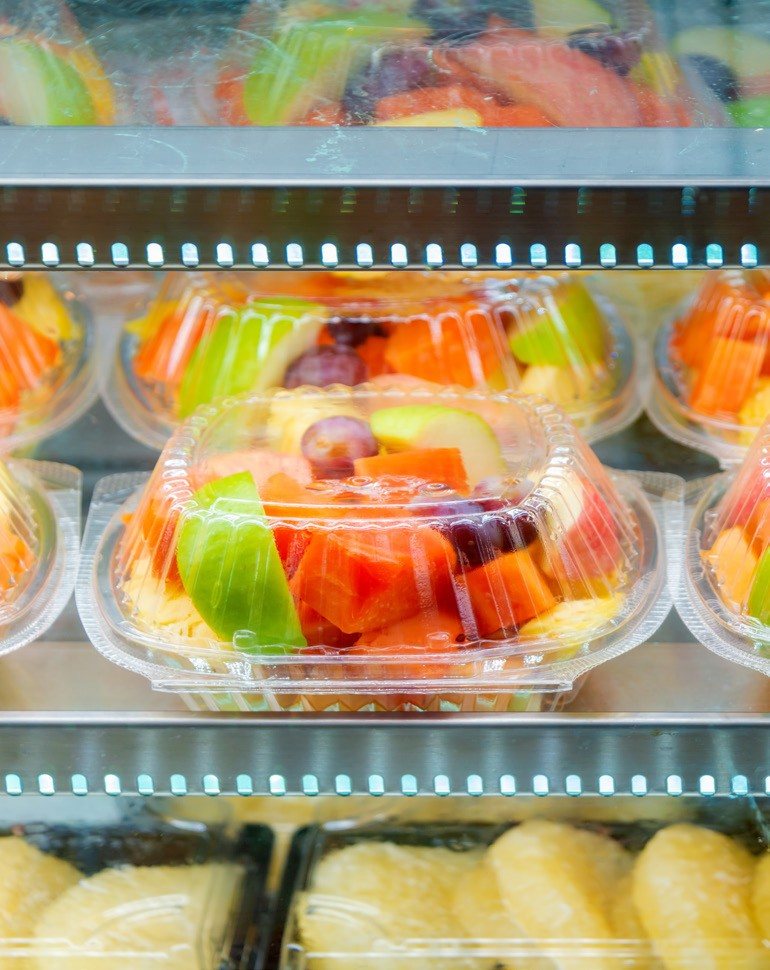
A convenience-store operator was seeing increasing food waste despite apparently functioning refrigeration. Occasional checks by staff did not explain why some products felt warmer than expected.
The monitoring setup
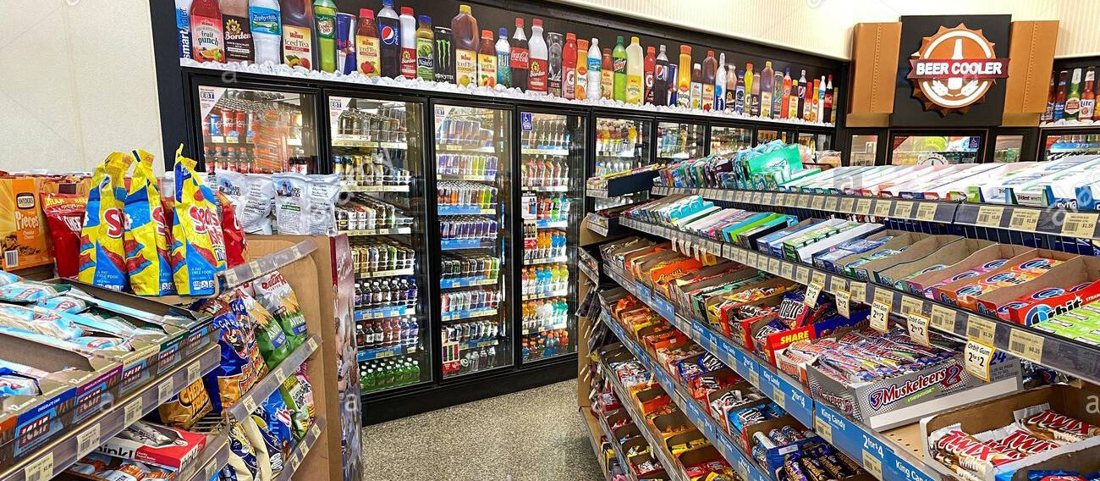
Temperature probes were placed at several positions in display coolers and walk-in storage. Door sensors added context, and readings were collected through a gateway into iMonnit.
The reported outcome
The measurements revealed warmer areas within a display cooler, helping staff review product placement. Monnit also describes a later compressor fault that triggered a rising-temperature alert, allowing staff to move stock into another cooler.
Case-study information and photography: Monnit. Reported results relate to the installation described; your project’s design and results will depend on its requirements.
A practical starting point
Measure. Understand. Act.
Where to start
Monitor more than one location in a long display cabinet. Include hard-to-check areas, back-of-house storage and the most frequently opened doors.
A change worth investigating
One display zone warms while other monitored positions remain stable.
Example scenario. Set limits and timing for your own site.Turn the alert into action
Check airflow, loading and cabinet operation. Review where stock is placed and verify conditions before changing the layout.
Build your system
Measurements to consider
Use these as a shortlist. The right model depends on the range, environment, installation and accuracy you need.
Temperature
Follow heating, cooling and storage conditions over time. Match the probe range and calibration to your application.
Explore sensors →Open / Closed
Record door or window opening events and investigate prolonged openings.
Explore sensors →AC Current Meter
Compare electrical current patterns with known equipment operating states. Use a qualified installer.
Explore sensors →Plan for the real environment
Before you start
What matters for this application
A single probe may not represent an entire cabinet. Map the space first, and retain the checks required by your food-safety plan.
How do the sensors connect?
ALTA sensors need a compatible gateway, internet connection and monitoring software. Suitable Wi-Fi models connect through a compatible Wi-Fi network. Confirm radio frequency, coverage and power arrangements at the actual installation points before choosing equipment.
Explore gateways →How quickly will an alert arrive?
Timing depends on sensor settings, reporting intervals, connectivity and notification rules. Email, SMS and voice options vary by service and plan. Test a controlled event, check that the nominated person receives it and confirm what happens if a device stops reporting.
Understand software and alerts →What should we prepare for a pilot?
Bring a site plan, the equipment or spaces to monitor, expected conditions, required accuracy and the names of the people who respond. Agree a trial period and a review date. Compare sensor readings with an appropriate reference and document any gaps in coverage or response.
Keep exploring
Related applications
 Food & cold chain
Restaurants & food services
Keep cold-storage conditions visible through busy service and quiet nights.
 Food & cold chain
School kitchen fridges & freezers
Keep an eye on school food stores over weekends and holidays.
 Food & cold chain
Perishable food production
Follow environmental conditions from processing areas to chilled storage.
Let's make it useful
A monitoring plan for your world.
Tell us what you want to protect, where it is and what you need to know. We'll help you choose a practical starting point.