
Industry & infrastructure
Server rooms & data centres
Watch the environment around the systems your business relies on.
Plan your monitoring →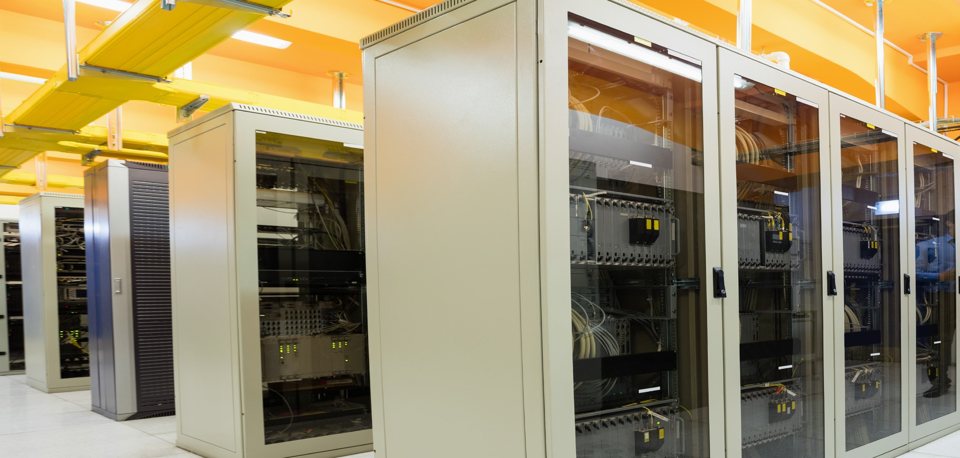
The application in practice
A separate view of server-room conditions
A closer look at the challenge, the monitoring approach and the outcome described in Monnit’s application guide.
The challenge
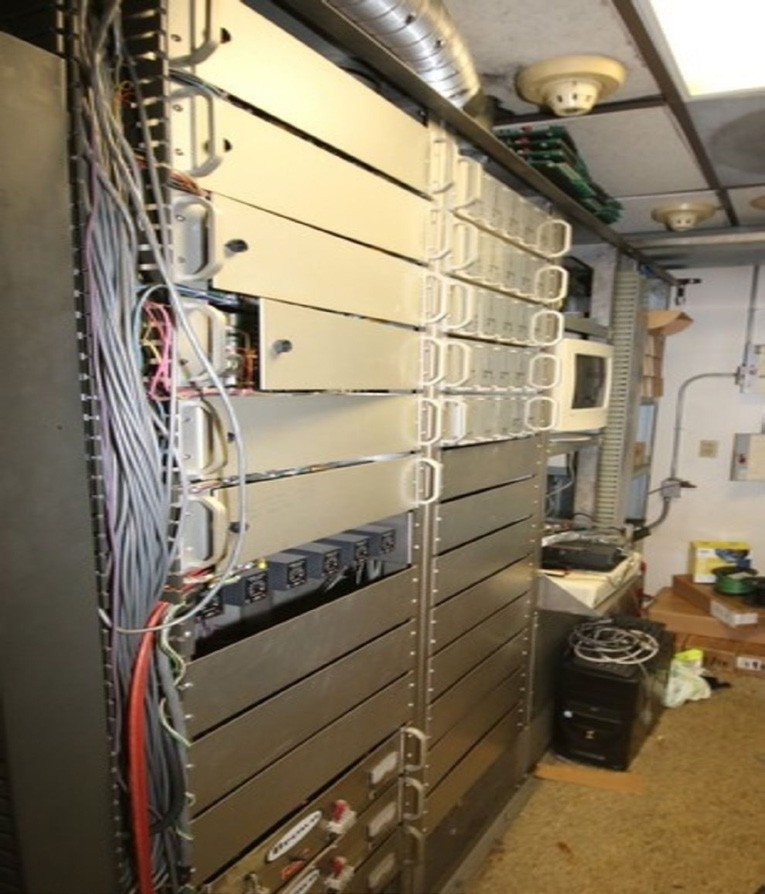
An organisation wanted environmental monitoring alongside its existing IT infrastructure. Cooling problems, humidity changes and water leaks could threaten equipment even when the servers themselves appeared operational.
The monitoring setup
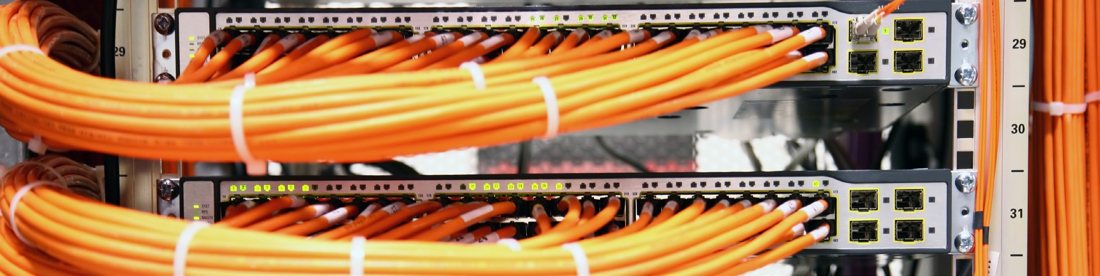
Temperature and humidity sensors covered server rooms, with water detection around vulnerable plumbing and cooling equipment. Door sensors and gateways brought additional context into iMonnit for remote review.
The reported outcome
Monnit describes a temperature alert when cooling became inadequate in one server room. The team investigated the cooling system before equipment damage occurred. This independent environmental view supported existing IT and facilities routines.
Case-study information and photography: Monnit. Reported results relate to the installation described; your project’s design and results will depend on its requirements.
A practical starting point
Measure. Understand. Act.
Where to start
Place temperature sensors at representative rack air inlets and leak detection near cooling equipment or likely water paths. Include remote communications rooms.
A change worth investigating
Temperature rises at one rack inlet or a leak sensor reports water near equipment.
Example scenario. Set limits and timing for your own site.Turn the alert into action
Follow the IT incident plan, verify cooling and the source of water, and escalate to the facilities team with the affected location.
Build your system
Measurements to consider
Use these as a shortlist. The right model depends on the range, environment, installation and accuracy you need.
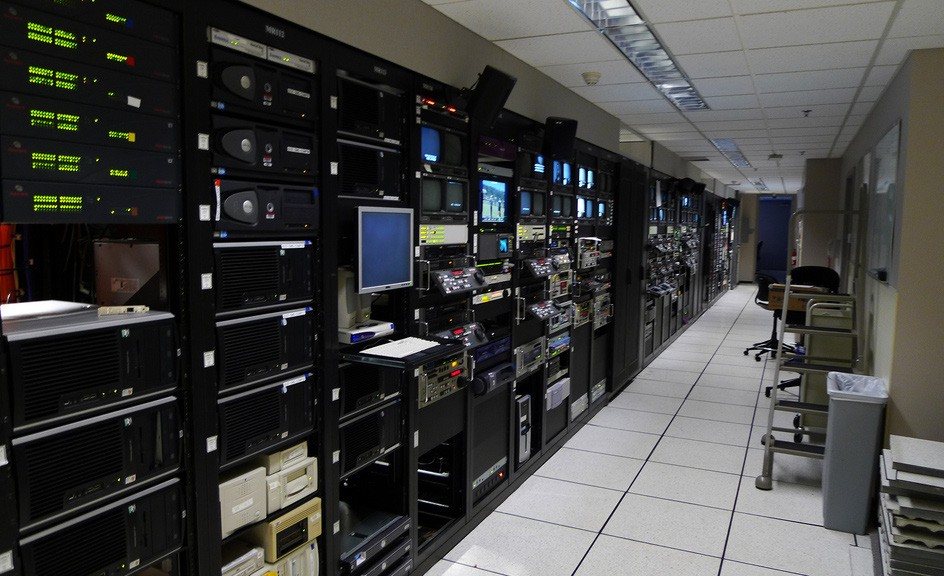
Temperature
Follow heating, cooling and storage conditions over time. Match the probe range and calibration to your application.
Explore sensors →Humidity
Track relative humidity and compare changes with room conditions, occupancy or ventilation.
Explore sensors →Water Rope
Monitor a longer leak-prone path around equipment, pipework or a floor perimeter.
Explore sensors →Open / Closed
Record door or window opening events and investigate prolonged openings.
Explore sensors →Plan for the real environment
Before you start
What matters for this application
A room-average reading can hide local hot spots. Agree locations with IT and consider power and network dependencies in the alert path.
How do the sensors connect?
ALTA sensors need a compatible gateway, internet connection and monitoring software. Suitable Wi-Fi models connect through a compatible Wi-Fi network. Confirm radio frequency, coverage and power arrangements at the actual installation points before choosing equipment.
Explore gateways →How quickly will an alert arrive?
Timing depends on sensor settings, reporting intervals, connectivity and notification rules. Email, SMS and voice options vary by service and plan. Test a controlled event, check that the nominated person receives it and confirm what happens if a device stops reporting.
Understand software and alerts →What should we prepare for a pilot?
Bring a site plan, the equipment or spaces to monitor, expected conditions, required accuracy and the names of the people who respond. Agree a trial period and a review date. Compare sensor readings with an appropriate reference and document any gaps in coverage or response.
Keep exploring
Related applications
 Industry & infrastructure
Predictive plant maintenance
Understand changing plant conditions before the next shift depends on them.
 Industry & infrastructure
Manufacturing & production
Put equipment run patterns and changing conditions into the same conversation.
 Industry & infrastructure
Pest-control heat treatments
Give treatment technicians a clearer view of temperatures across a space.
Let's make it useful
A monitoring plan for your world.
Tell us what you want to protect, where it is and what you need to know. We'll help you choose a practical starting point.